The AI class, ready for your students.
The lessons, worksheets and planning are ready. You choose the pace of the class and how the AI Teacher talks to your students.
A teacher’s day
From the class list to the gradebook
Real screens of the app, from the demo school (fictitious names).
-
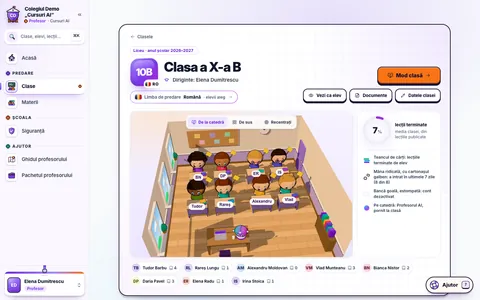
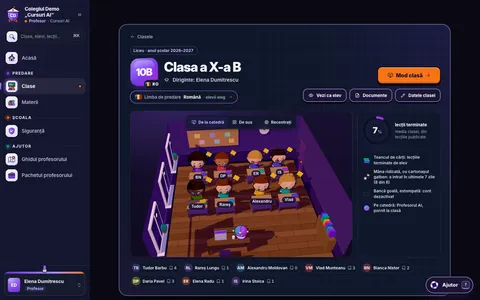
The class, as a room
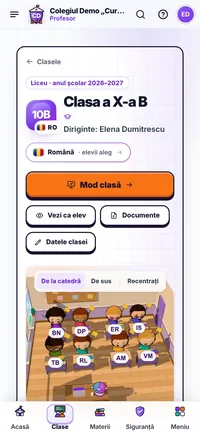
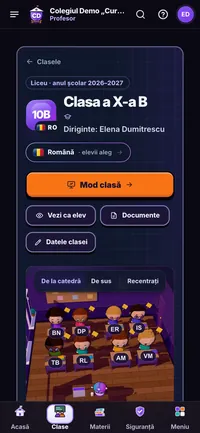
Each student at a desk, with the progress of the class. You paste the list of names or import a CSV, and every student gets a code and a password on a printed slip.
-
The AI Teacher, set up for the class
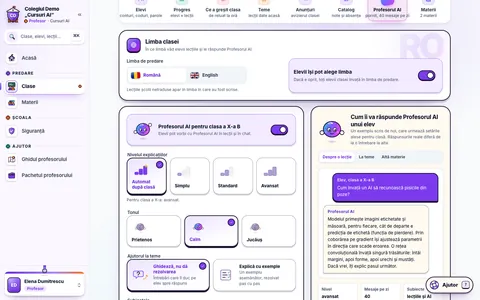
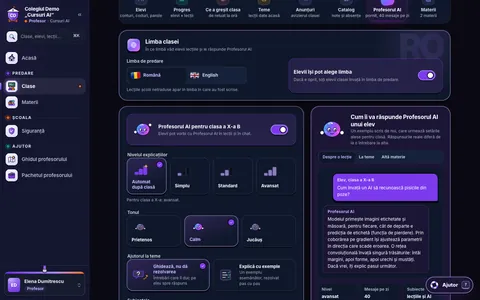
On the class’s “AI Teacher” page you choose how the assistant talks to your students, with a preview. The safety rules stay above every setting.
- Explanation levelautomatic for the grade
- Tonefriendly, calm or playful
- Homework helpguides, never writes it
- Topicsthe lessons or any subject
- Daily limit5 to 100 messages
- Teacher’s notesbelow the safety rules
-
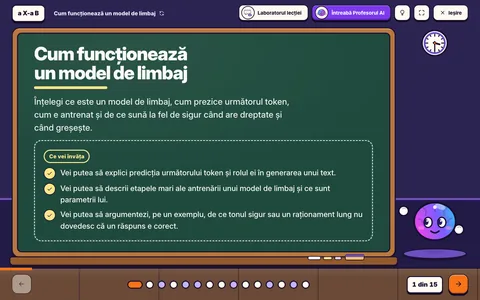
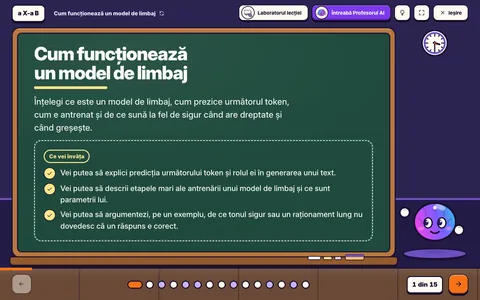
Class mode, on the projector
The lesson on the big screen, section by section, with the practice questions and the AI Teacher next to it: you put the class’s questions to it. The platform’s lessons or your own, translated into English if you teach in English.
-
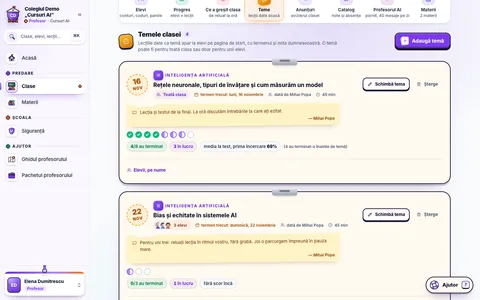
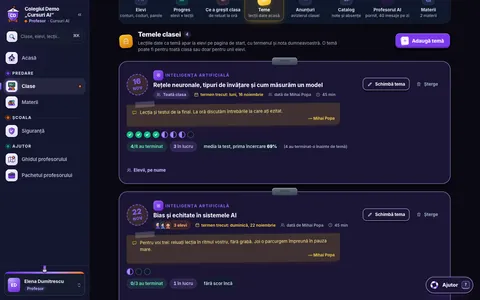
Homework and announcements
Homework for the whole class or only for the students you choose, with a deadline and a note. Announcements without a chat: students reply “Got it” or “I have a question”.
-
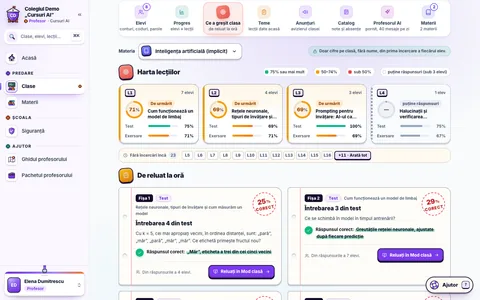
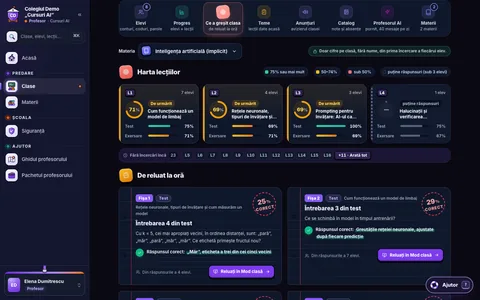
What the class got wrong
The questions the class missed at the first attempt, by lesson, without names, with “Go over it in Class mode”.
-
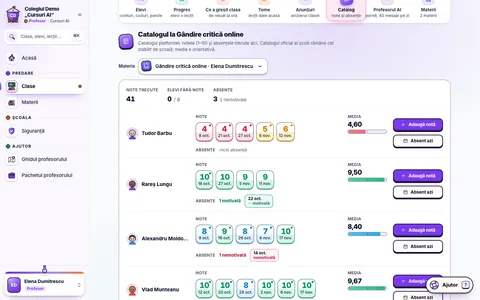
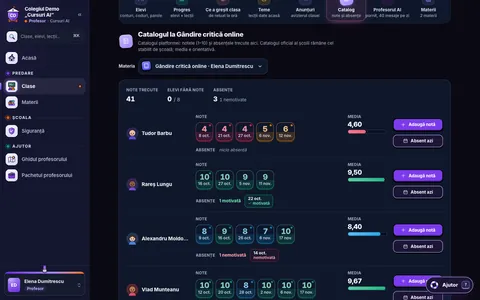
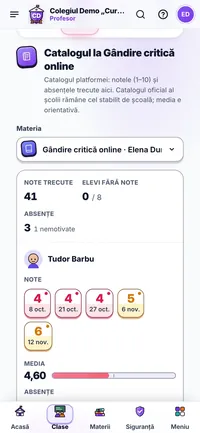
The platform’s gradebook
Grades from 1 to 10 and absences, for the subjects the class does on the platform, with an indicative average. The AI Teacher does not grade.
-
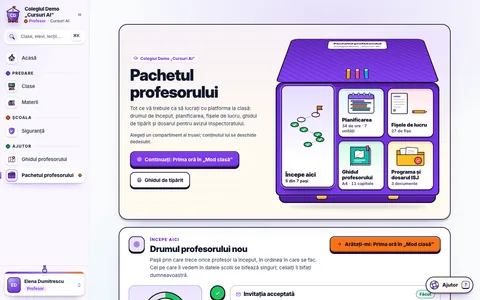
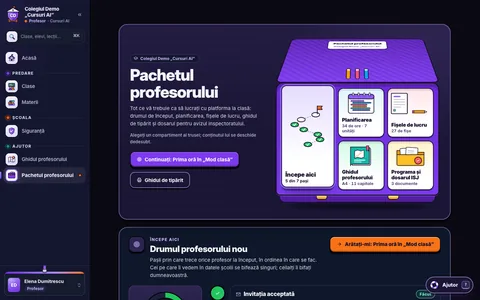
The teacher’s kit
The path for a new teacher, the planning, the worksheets for the whole year and the teacher’s guide, ready to print.
-
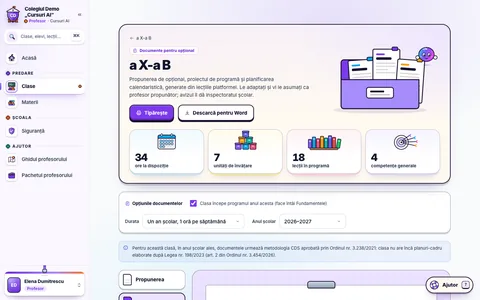
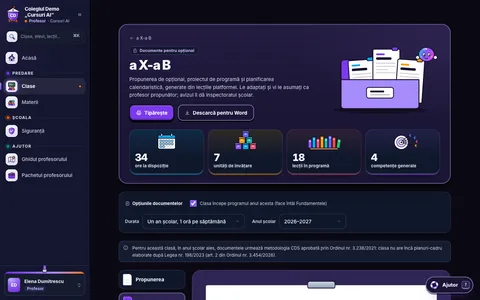
The file for an elective
The proposal, the syllabus and the planning, generated from the platform’s lessons, for the county school inspectorate (ISJ) approval. The approval itself is given by the inspectorate.
The AI elective
Also in the app
Safety, the student’s view and the guide
-
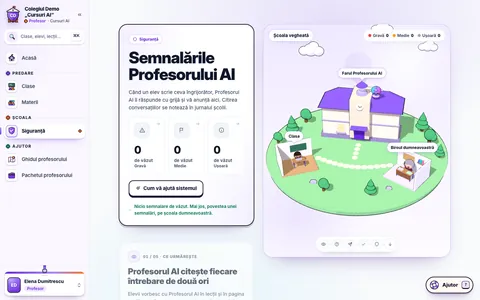
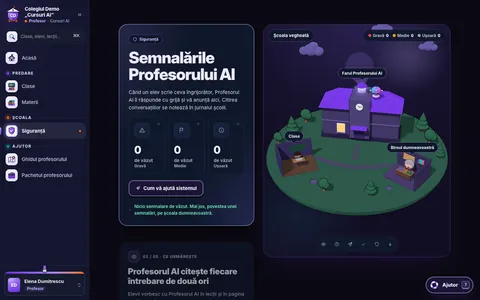 Your classes’ alertsBy severity, with the masked excerpt, “Seen it” and a note; the serious ones also arrive by email.
-
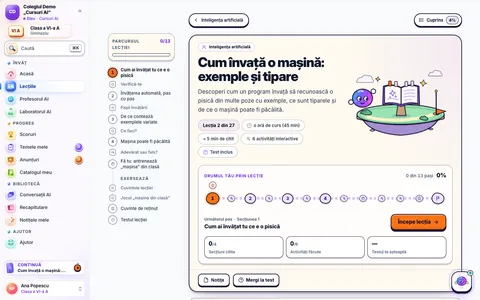
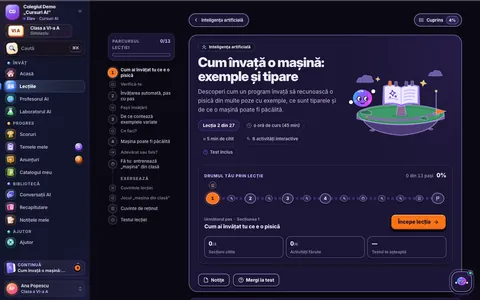 “View as student”The class’s test student: the lesson and the AI Teacher exactly as a student sees them.
-
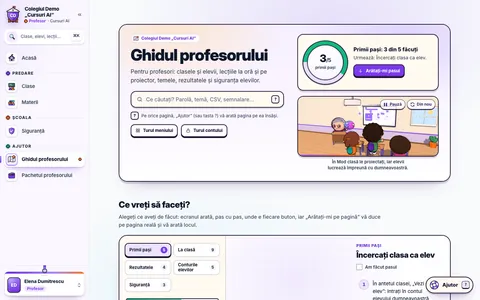
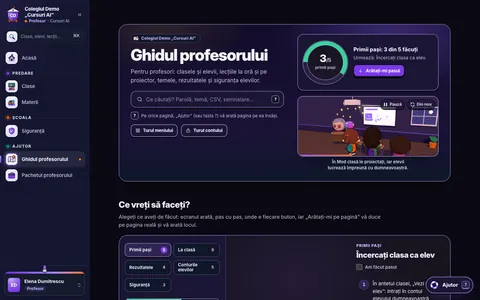 The guide and the toursOn every page, the “?” button shows the steps and the areas of that page.
Your account
An account made for school computers
- Invitation by email, valid for 7 days, for your address only.
- Two-step verification, mandatory for teachers and administrators.
- The session closes after 90 minutes without activity.
- Forgotten password? A one-time link by email, valid for 60 minutes.
Questions
Frequently asked questions
Can I use the lessons without computers?
Yes. Every lesson has a version without devices in the teacher’s notes, and the worksheets can be printed.
Do I see my students’ conversations with the AI Teacher?
Yes, for your classes. Students know this, and every reading goes into the school’s audit log.
Can I see a lesson exactly as my students do?
Yes. Each of your classes has a test student: with “View as student” you open the lessons and the AI Teacher exactly as a student sees them.
Who creates my account?
The school administrator invites you by email, or the Cursuri AI team does; the link is valid for 7 days. Teachers sign in with two-step verification.
Another question?
Call us, write to us or use the form.
Bring the AI class to your school
Book a demo for you and your colleagues; we open the lessons of the grades you teach.
- A demo for the management and the teachers
- One hour of online training, included
- The school creates the student accounts, in the app