How it works
From the demo to the first lesson.
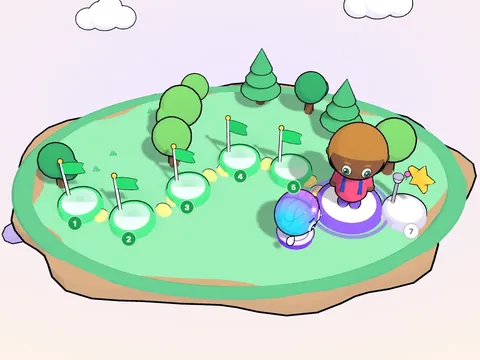
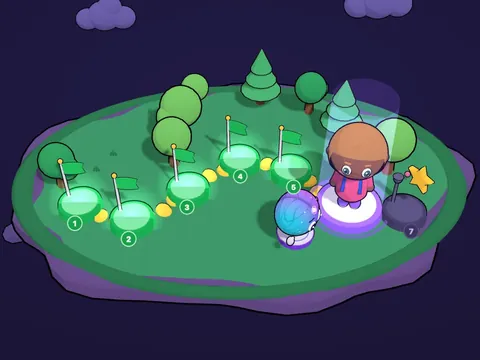
Seven steps, done together with the school. The app does the rest: accounts without email, printed slips, lessons ready for every grade.
Step by step
The seven steps
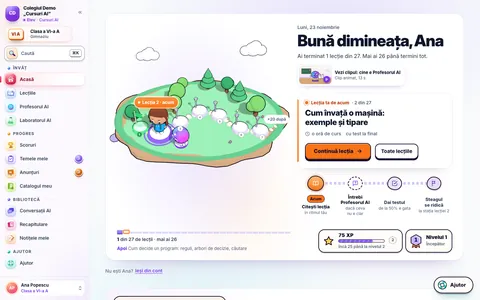
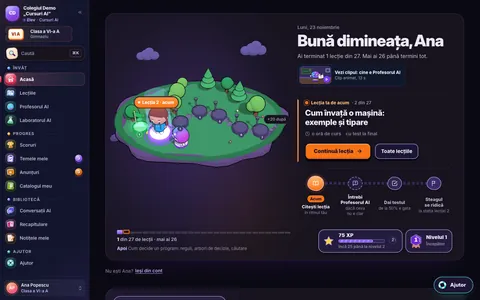
The demo
We show the management and the teachers the lessons, the AI Teacher, safety and the administrator’s pages, and we answer questions.
-
The offer and the contract
The price is per student seat and per school year; the team makes the offer for your school. Communication in Romanian, or in English for schools that teach in English.
-
The data processing agreement
The school is the controller, we are the processor. The agreement is recorded before the first student: without it, the app does not let anyone create student accounts.
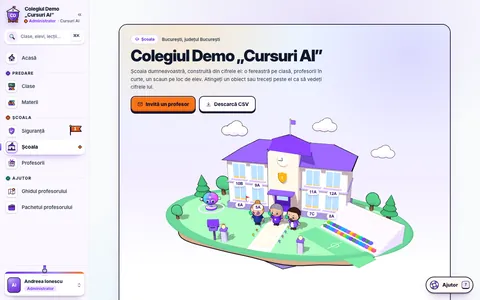
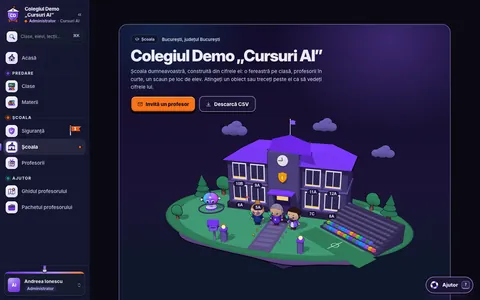
The school in the platform
The Cursuri AI team creates the school and invites the administrator; teachers are invited by the administrator, or by us, in batches of up to 30.
The training
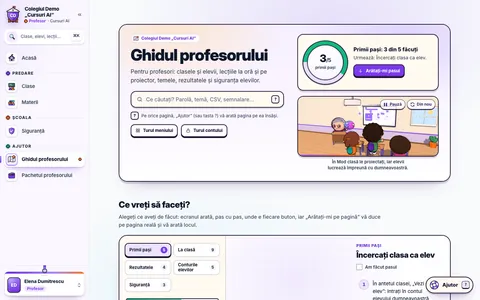
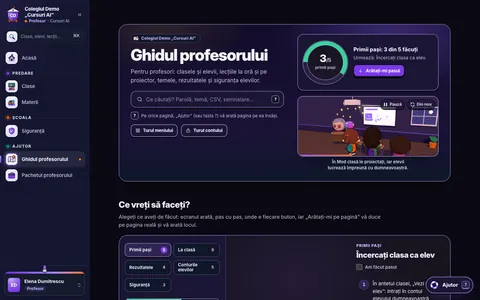
One hour online with the teachers, included. On every page of the app, the “?” button shows the steps of that page.
-
Classes, students, slips
Teachers create the classes, paste the list of names or import a CSV (only the names are read), and print the students’ and parents’ slips.
The first lesson
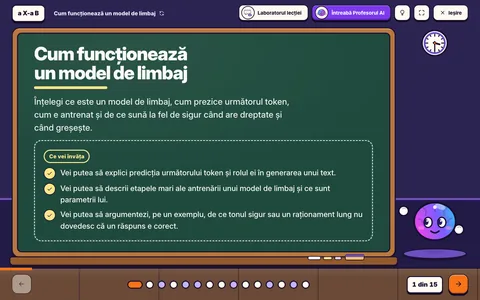
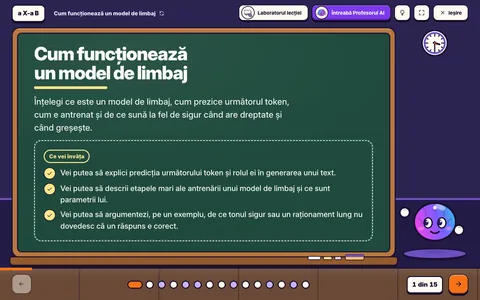
The lesson on the projector in “Class mode”, the students on their devices, the AI Teacher set up for the class.
One AI lesson
An AI lesson, from the first click to the parents’ email
What students, the teacher and the parents see, moment by moment, in the app.
-
Students sign in with their slip
Each student has a code and an easy-to-type password, printed on a slip. No email, no phone number.
-
The lesson on the board
The teacher projects it in “Class mode”: the explanations, the activities and the questions, slide by slide.
-
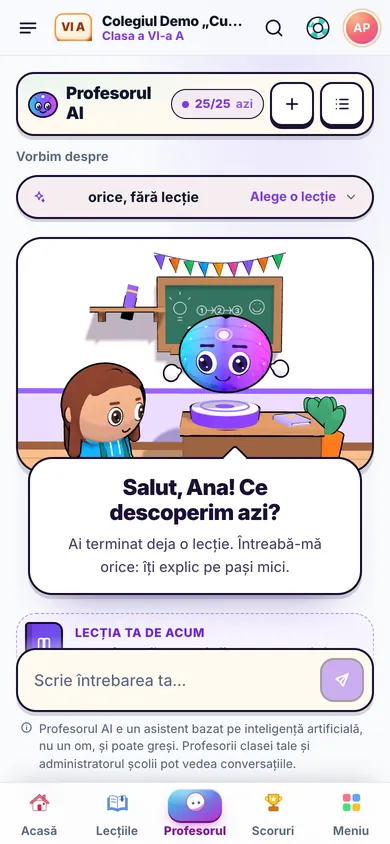
Students ask the AI Teacher
Each on their own device, at the level of the class and in the tone chosen by the teacher.
-
The lesson’s quiz
The score comes at once and the points add up. The AI Teacher does not grade: scores are calculated, not generated.
-
Medals and levels
Bronze, silver and gold, for lessons, quizzes and experiments. No rankings between students.
-
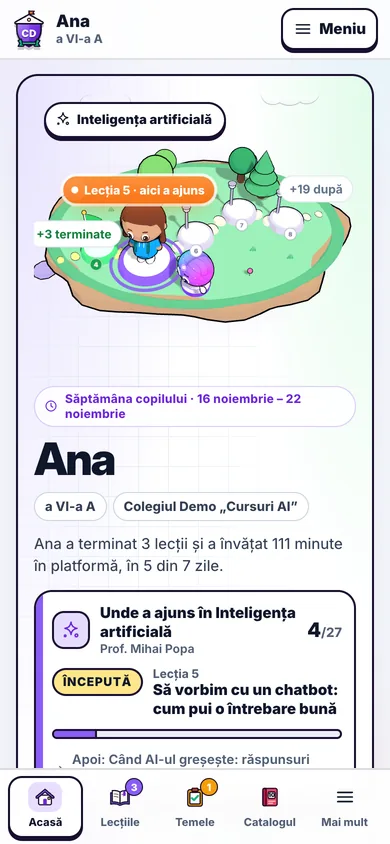
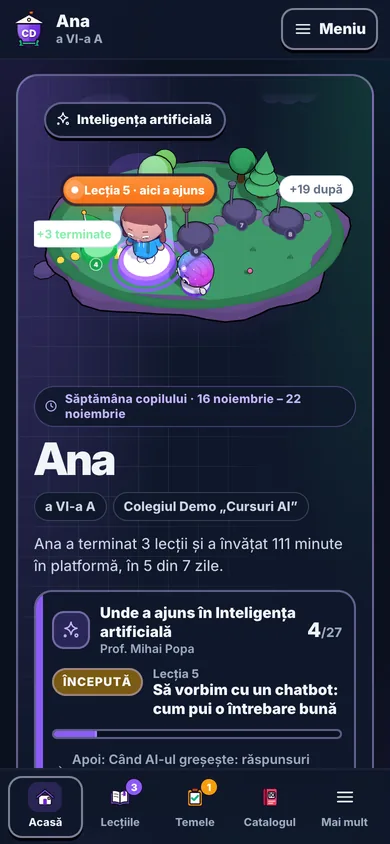
The weekly email, at home
On Sunday, parents who confirmed their address get the child’s lessons, minutes and open homework.
Included
What the school gets
-
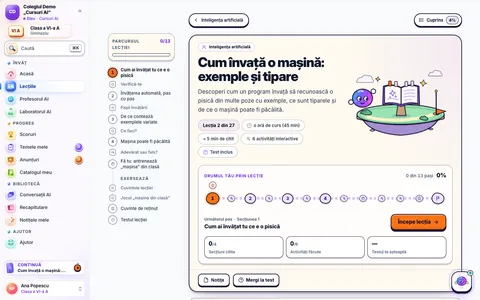
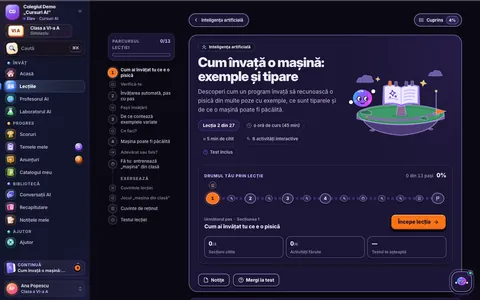 The AI curriculumLessons for every year from grade 5 to grade 12, in Romanian and English.
-
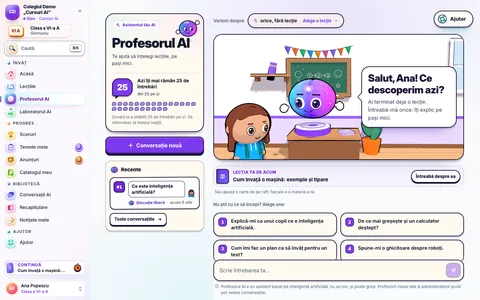
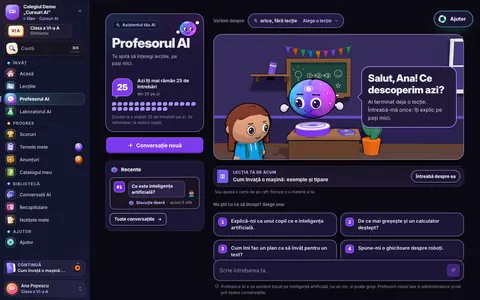 The AI TeacherSet up by each teacher for their class, with the safety rules above any setting.
-
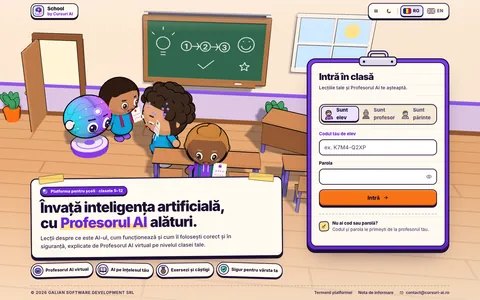
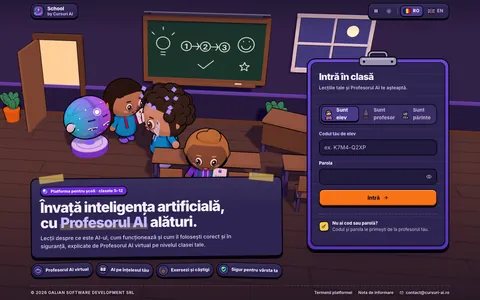 Accounts for everyoneStudents without email, teachers and administrators with two-step verification, parents with their slip.
-
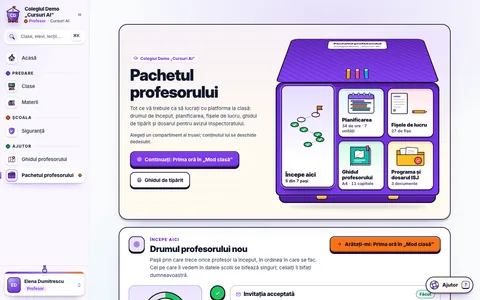
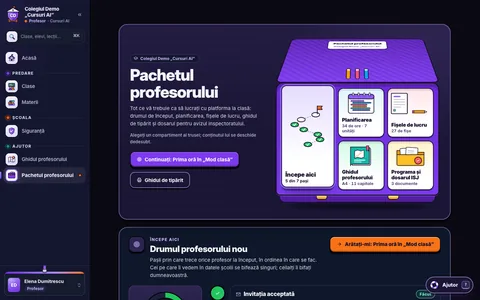 The teacher’s kitPlanning, printable worksheets and the teacher’s guide.
-
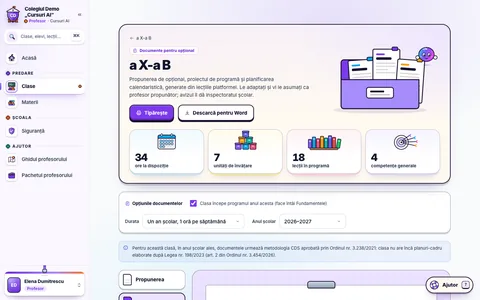
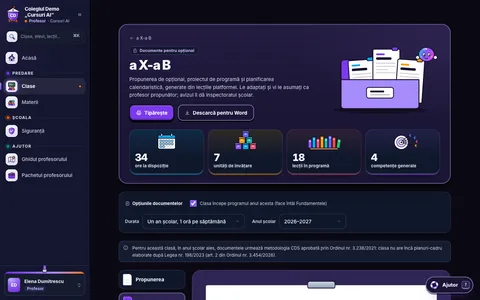 The file for an electiveProposal, syllabus and planning, for the county school inspectorate (ISJ) approval.
-
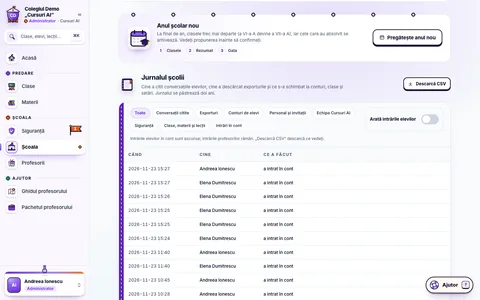
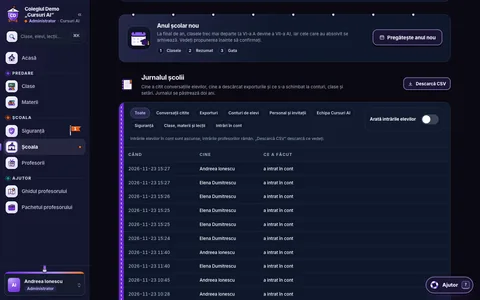 Safety and the audit logAlerts, emails for the serious ones, the audit log and the exports.
-
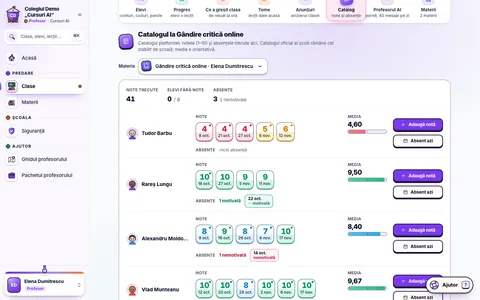
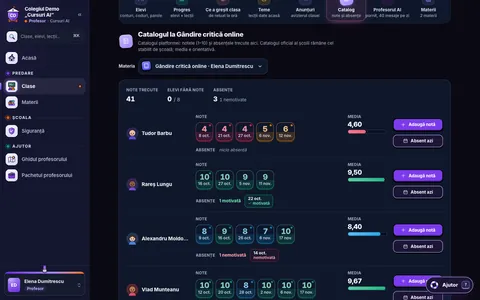 The platform’s gradebookGrades and absences for the subjects done on the platform.
-
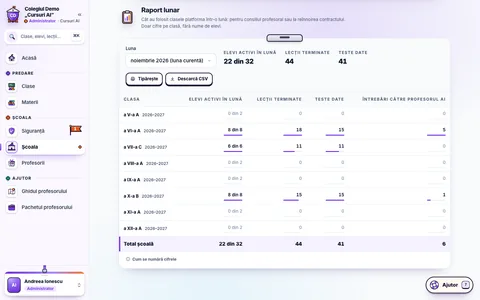
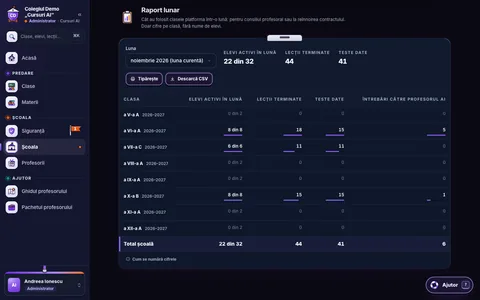 The monthly reportHow each class used the platform, without names, for the teachers’ council.
Questions
Frequently asked questions
How long does it take to start?
It depends on the contract and the data processing agreement. After them, a class’s accounts and slips are made in the app, from a list of names.
Do we need special computers?
No: the app runs in the browser, on a computer, tablet or phone. Every lesson also has a version without devices.
What happens at the end of the school year?
The administrator moves the classes to the next year; graduates are deactivated, and their accounts are deleted after 12 months.
Another question?
Call us, write to us or use the form.
The first step: the demo
Tell us about the school and we will set a date for the management and the teachers.
- A demo for the management and the teachers
- One hour of online training, included
- The school creates the student accounts, in the app