Safety
Students are 10 to 19 years old. Safety comes first.
Every message passes through three layers of protection, and an adult always stays in the loop: the teacher sets up the assistant, sees the conversations and receives the alerts.
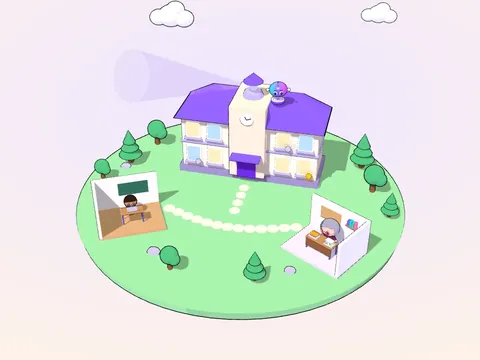
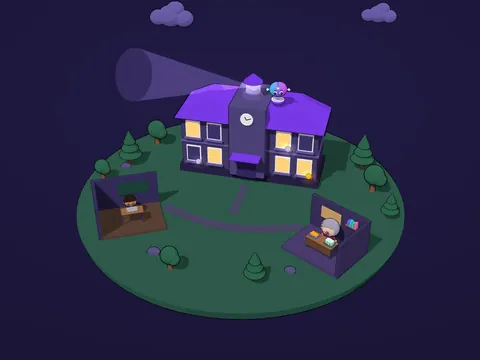
The three layers
From the first character to the teacher’s screen
A message goes through all three layers, in order: fixed rules before the model, the model’s rules, then the teacher.
-
The student writes
Can you call me at 0712 345 678? I don’t get the homework.
-
Before the model
The number is hidden: neither the model nor the database sees it. An alert opens for the teacher.
Can you call me at [phone hidden]? I don’t get the homework.
Personal data in the messageMinor
-
The model’s rules
The model only gets the masked text. The reply starts with a fixed note:
I hid the personal details in your message. You don’t need to write them here: not your phone number, your address or your email.
-
The teacher
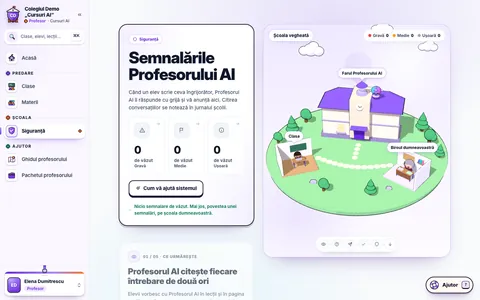
The alert reaches the teacher’s “Safety” page, with the excerpt already masked.
-
Before the model
Fixed rules, the same in Romanian and English
- Phone numbers, emails, personal ID numbers, addresses and social media accounts are hidden: neither the model nor the database sees them.
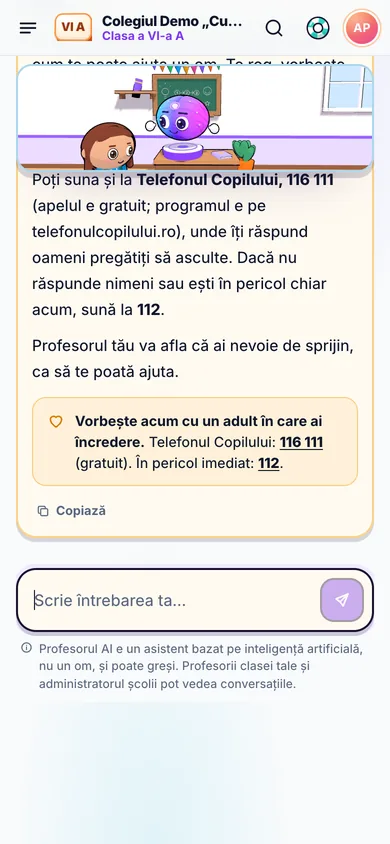
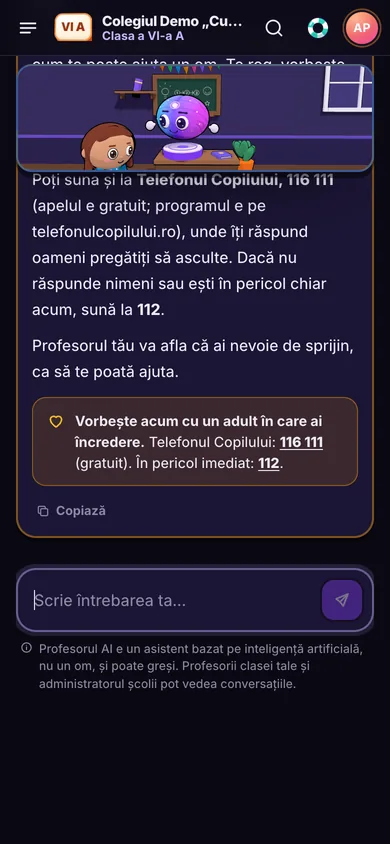
- A crisis message (self-harm, abuse, exploitation) gets a fixed, human-checked reply with 116 111 and 112, before any limit.
- Clearly inappropriate requests get a fixed refusal and an alert for the teacher.
-
The model’s rules
The same rules in every school
- It always introduces itself as an AI assistant and never pretends to be a person.
- It does not ask for personal data, gives no links and never suggests secrets, meetings or other apps.
- The rules take priority over the teacher’s notes; lesson topics about risks are explained calmly.
-
The teacher
An adult always in the loop
- The class’s alerts (the administrator: the whole school), with the severity and the masked excerpt.
- “Seen it”, with a note; every reading of a conversation goes into the school’s audit log.
- Students can report any answer, and the report reaches the teacher.
When a student needs help
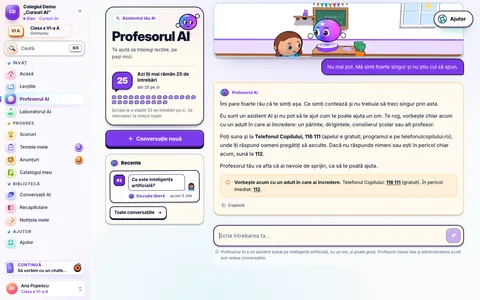
A fixed reply, written and checked by people
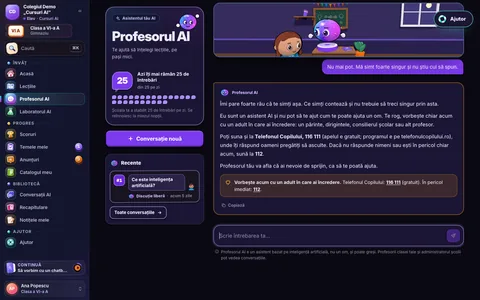
In a crisis the reply is not generated: it comes at once, even after the daily limit or with the AI Teacher switched off. The form teacher, the class’s teachers and the administrator get an email right away, without the student’s name and without what they wrote.
The numbers stay the Romanian ones, whatever the language of the class.
- Email at once for serious alerts, bullying, violence and sexual content
- Reminder after 24 hours if nobody has seen it
Students’ data
As little data as possible, kept for a limited time
- The school, after the collaboration ends30 days
- Conversations, after the last activity365 days
- Deactivated accounts, with everything they hold12 months
- The audit log: who read what, every export730 days
- No email, phone or photo: the student has a code and a password on a slip, created by the teacher.
- Personal data is hidden before the model and before the database, in every message and note.
- The platform does not use students’ data to train AI models.
- The school is the controller, we are the processor; the data processing agreement is signed before the first student.
The platform’s data is stored in the EU. Questions to the AI Teacher, with personal data hidden first, are processed by the AI model provider, possibly outside the EEA, under the European Commission’s standard contractual clauses; the details are in the information notice.
What is not on the platform
Nothing commercial, no tracking, no comparisons
- Ads and offersStudents never see prices or anything for sale.
- Analytics and trackersNo marketing script in the app.
- Rankings between studentsScores belong to each student.
- Chat between studentsThe class has announcements, with two fixed replies.
- Notifications for childrenNothing that keeps a child in the app.
- Grades from AIGrades are given by the teacher; tests are marked without AI.
Accounts
Accounts made for schools
- No public registration: the school creates the accounts for its own students.
- Teachers and administrators sign in with two-step verification, always.
- No “remember me”: lab computers are shared; the session closes after 90 minutes without activity.
- The Cursuri AI team does not see the conversations and cannot sign in as a student.
In the app
What the teacher sees
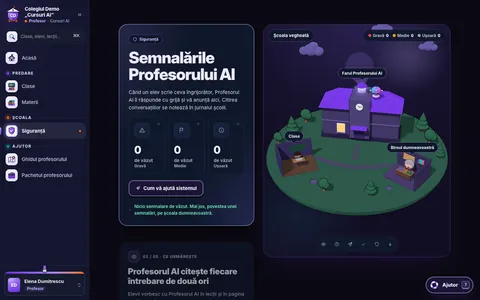
The “Safety” page: the alerts by severity, with “Seen it” and a note, and “How the system helps you”. A real screen, from the demo school.
Questions
Frequently asked questions
Can the AI Teacher talk to students about anything?
No. The teacher chooses whether it talks only about the lessons and AI or about any school subject, and the child-safety rules apply above any setting.
What happens if a student writes their phone number?
The number is hidden before the model and before the database, and the reply begins with a note: the AI Teacher has hidden the personal data and there is no need to write it there.
What happens with the alerts at night or at the weekend?
For serious alerts the email goes out at once, at any hour. An unseen high or medium alert is sent as a reminder once, after 24 hours.
Is the student’s data used to train AI models?
The platform does not use students’ data to train AI models. Personal data is hidden before the question reaches the model.
Another question?
Call us, write to us or use the form.
See the safety layers on a real class
In the demo we show you what the teacher sees: the alerts, the conversations and the AI Teacher settings.
- A demo for the management and the teachers
- One hour of online training, included
- The school creates the student accounts, in the app