School leaders
The whole school, at a glance.
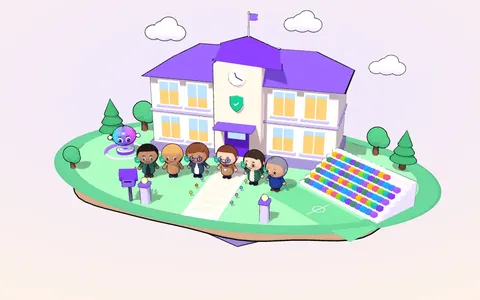
The school administrator sees the classes, the teachers, the invitations and the seats, the alerts of the whole school and everything that was read or exported.
The administrator
What the school administrator does, screen by screen
Real screens of the app, from the demo school (fictitious names).
-
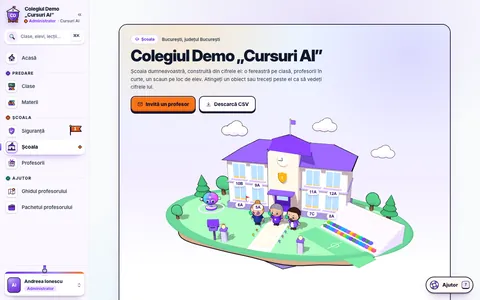
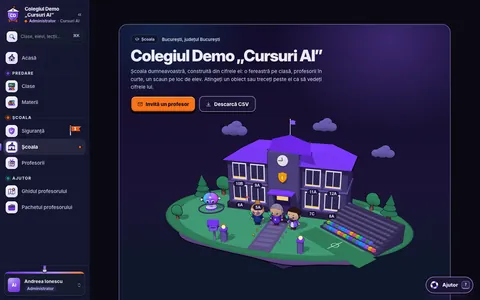
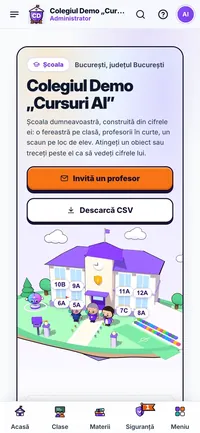
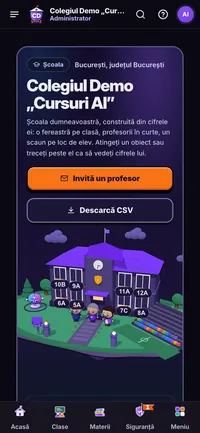
The school as a world
A window for each class, the teachers in the yard, the invitations on their way and the student seats used.
-
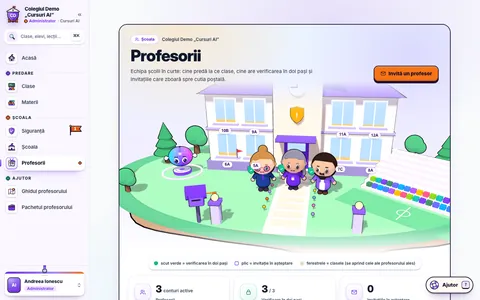
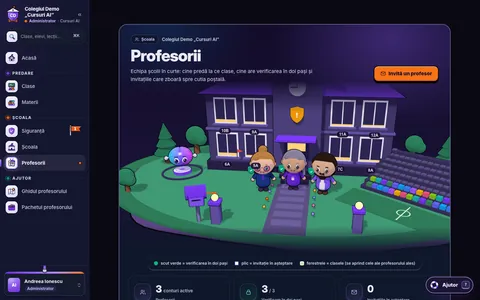
Teachers and invitations
Invitations by email, as teacher or administrator, valid for 7 days and for one address; each person’s two-step verification, reset when someone loses their phone, and deactivation when they leave.
-
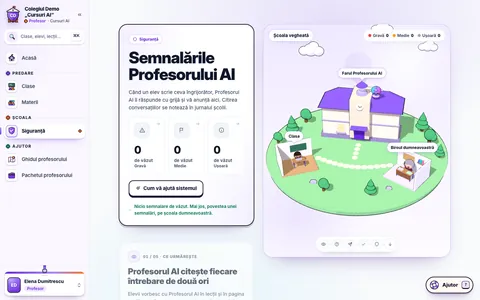
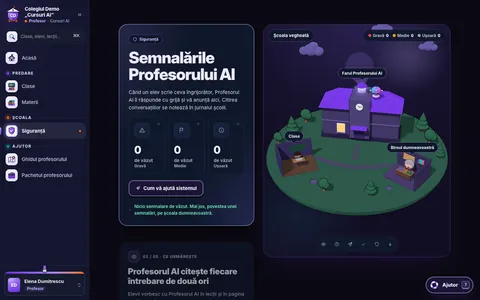
The alerts of the whole school
Every safety alert, by severity, with “Seen it” and a note; the serious ones also arrive by email, and a high or medium alert still unseen after 24 hours comes back as a reminder.
-
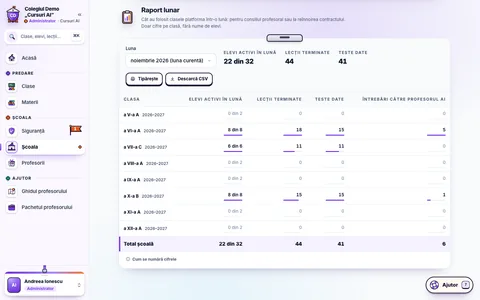
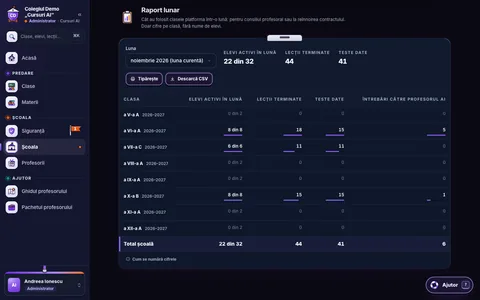
The monthly report and the exports
How each class used the platform in a month, to print or as CSV; the class and school CSV, a student’s printable report and all the data of a student (GDPR).
-
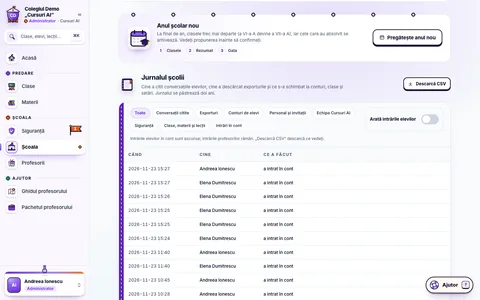
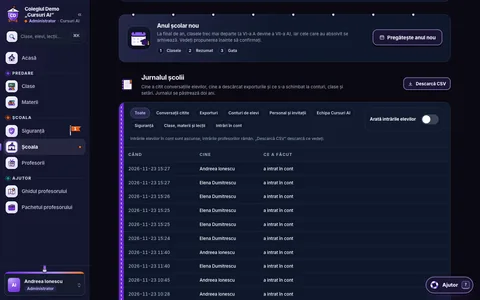
The audit log and the new school year
Who read which conversation, what changed and every export, downloadable as CSV. At the end of the year, the classes move up and the graduates are deactivated.
-
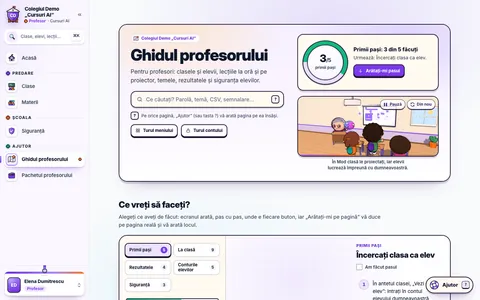
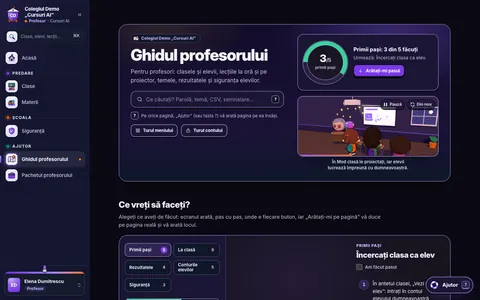
The guide and “View as student”
Step-by-step recipes for the administrator and the teachers, with a tour of every page. Every staff member has a test student in each of their classes, to see the lessons and the AI Teacher exactly as the students do.
Data
The school stays the controller of its data
- The data processing agreement is recorded before the first student: without it, student accounts cannot be created.
- Deactivated student accounts are deleted after 12 months; the administrator sees which ones and can export them first.
- At the end of the collaboration, the school is deleted 30 days later, unless it asks otherwise.
- The Cursuri AI team does not read the conversations and cannot sign in as a student.
- The platform’s data is stored in the EU. Questions to the AI Teacher, with personal data hidden first, are processed by the AI model provider, possibly outside the EEA, under the European Commission’s standard contractual clauses; the details are in the information notice.
Communication in Romanian; in English for schools that teach in English.
Questions
Frequently asked questions
Who invites the teachers?
The school administrator, from the app; the Cursuri AI team can also invite them, one by one or in batches of up to 30.
What happens to a teacher who leaves?
The administrator deactivates the account; the lessons and the rest of the content stay with the school. A deactivated staff account is deleted after 12 months.
Can the Cursuri AI team read the students’ conversations?
No. The team has no access to the conversations and cannot sign in as a student.
How is the AI Teacher’s use limited?
Each student has a daily message limit that the teacher sets for the class (between 5 and 100), and at most 6 messages a minute.
Another question?
Call us, write to us or use the form.
See your school in the platform
In the demo we walk through the administrator’s pages: the school, the teachers, the alerts and the reports.
- A demo for the management and the teachers
- One hour of online training, included
- The school creates the student accounts, in the app